Editable Baked Text for Meeting Templates
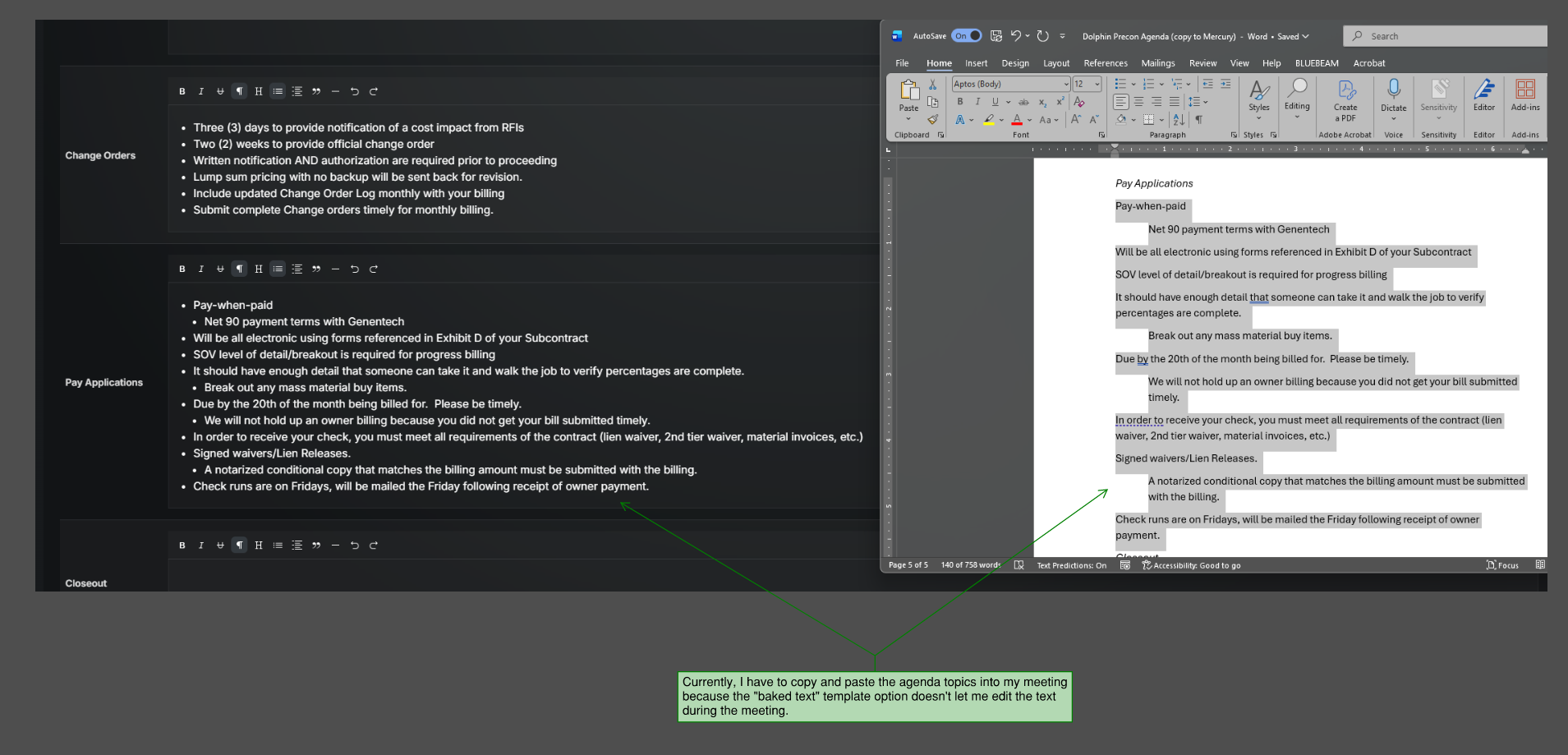
When creating a meeting template, there’s an option to create a “baked text,” but you cannot edit this text once you create the actual meeting. For a precon meeting, I would like the template to contain all the standard agenda items I need to cover, but then still have the ability to edit the text during the meeting if additional information is discussed on that topic.
I’d like the ability to create a template with baked in text that is still editable.
This will be a great time save in preparing for preconstruction meetings.
Log in to comment and vote
Comments2
Mark Giese
Sep 17
This worked excellently - exactly what I was looking for. Thanks, Patrick!
Patrick
Sep 17
Hey Mark! This can be accomplished with our Saved Sets feature. It allows you save the typed (and editable) text in any form and then the next time you create a form you just choose a Saved Set that holds the text as you saved it. I just tested it in meetings and it worked. I’ve pasted the article below. If this isn’t exactly what you had in mind let’s create a new feature request.
https://docs.mercurybuild.com/en/help/articles/9933058-desktop-tips#l4ixexq7d83